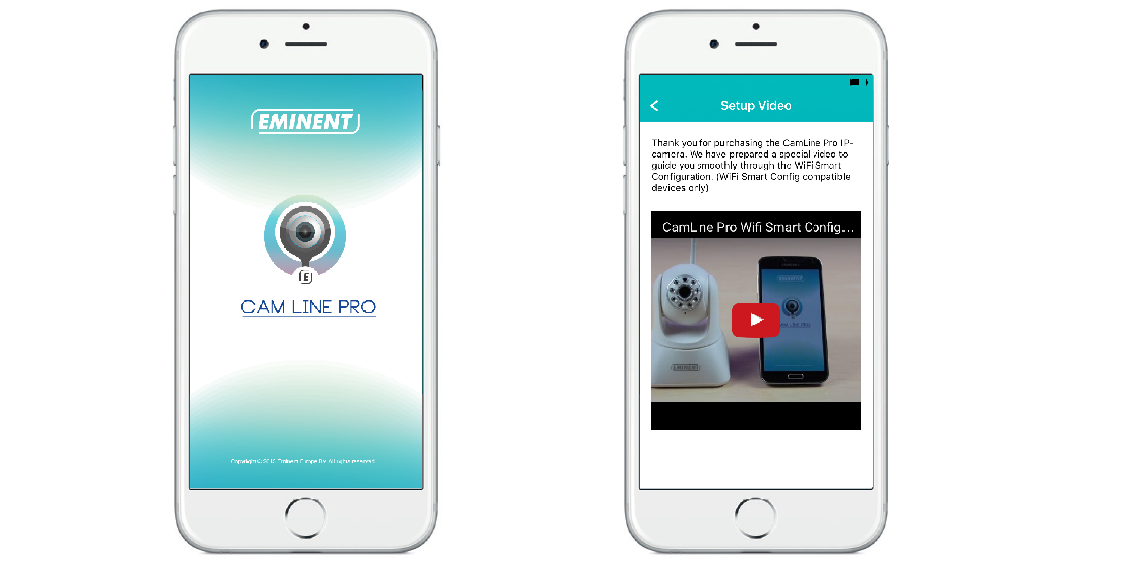
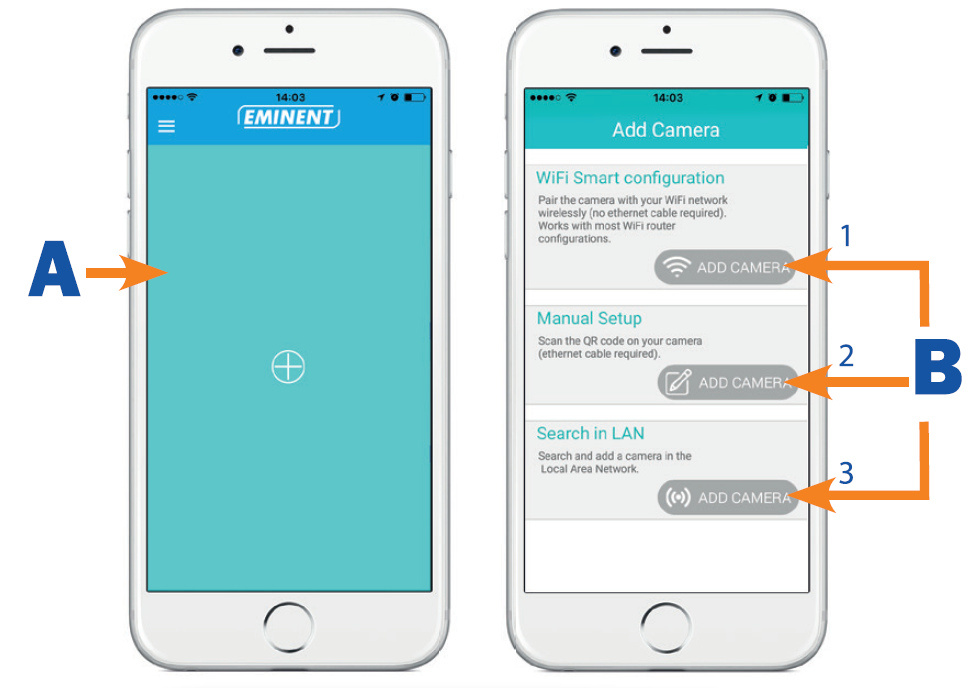
EM6325 Installing/removing the camera in the APP on Apple/Android device Updated August 15, 2019 13:00 Open “CamLine Pro”. Select the “+” (A). Choose for option 1,2 or 3 (B) the option that matches the best with your setup situation and press “Add camera”. Follow the instructions on the screen Press “Add” to add the camera. Related articles EM6325 Installing the software and camera on a PC or notebook (Windows) EM6330 Download Firmware, Software IMPORTANT: Change in support and operation of the IP camera series Easy Pro View and CamLine Pro EM6360 CamLine Pro PC software EM6330 CamLine Pro PC software